Importing from MS Excel File
Importing from MS Excel File
WBS supports importing work elements from Microsoft Excel files (with the .xlsx extension).
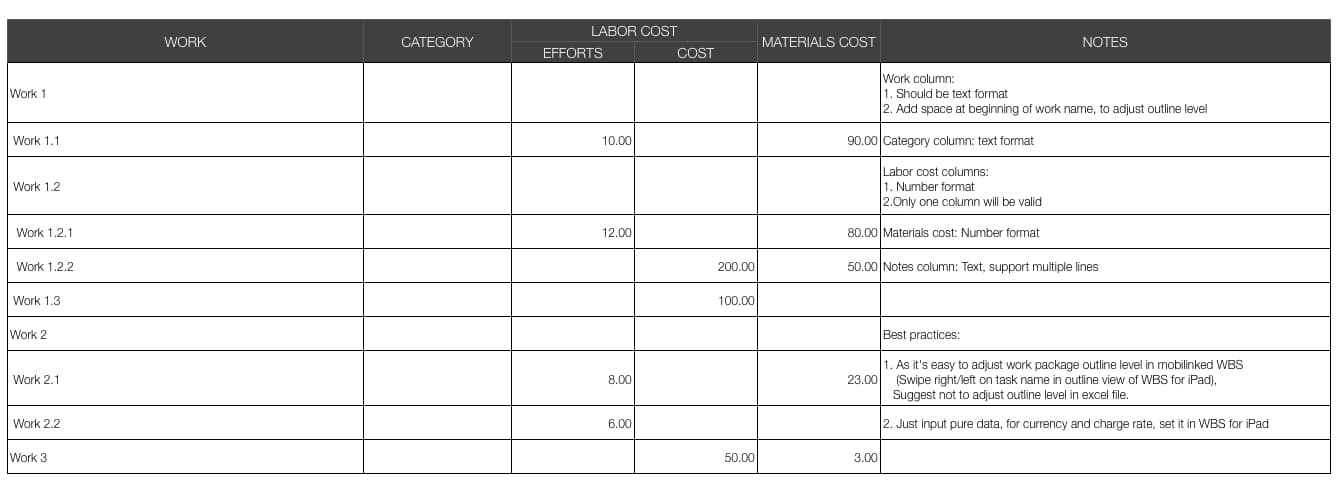
Download the WBS Excel import template file to create a new MS Excel file and enter work element data.
(Add spaces before the work name to adjust the work element outline level.)
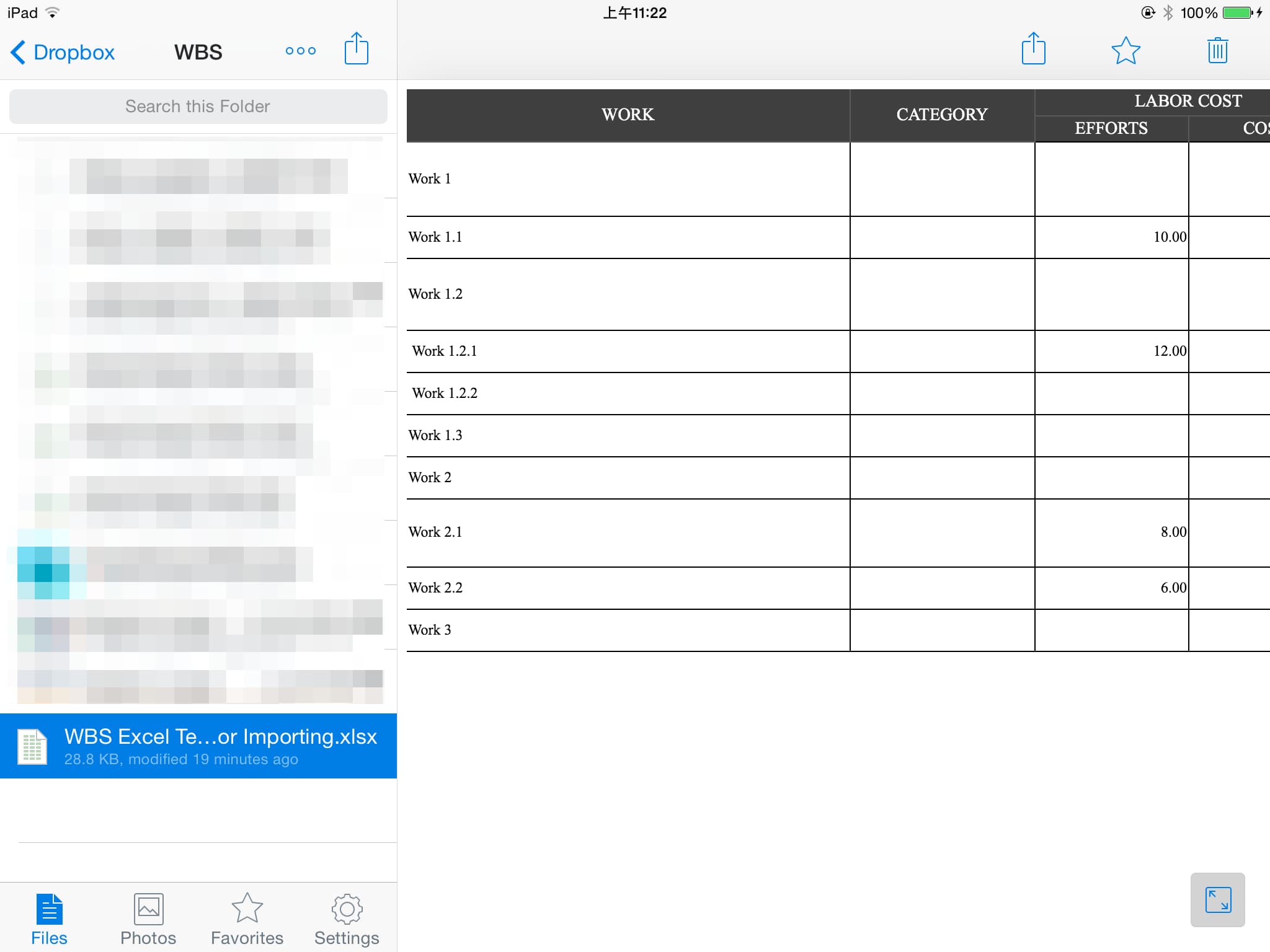
Transfer the Excel file to the iPad (via AirDrop, email, or cloud storage apps such as Dropbox).
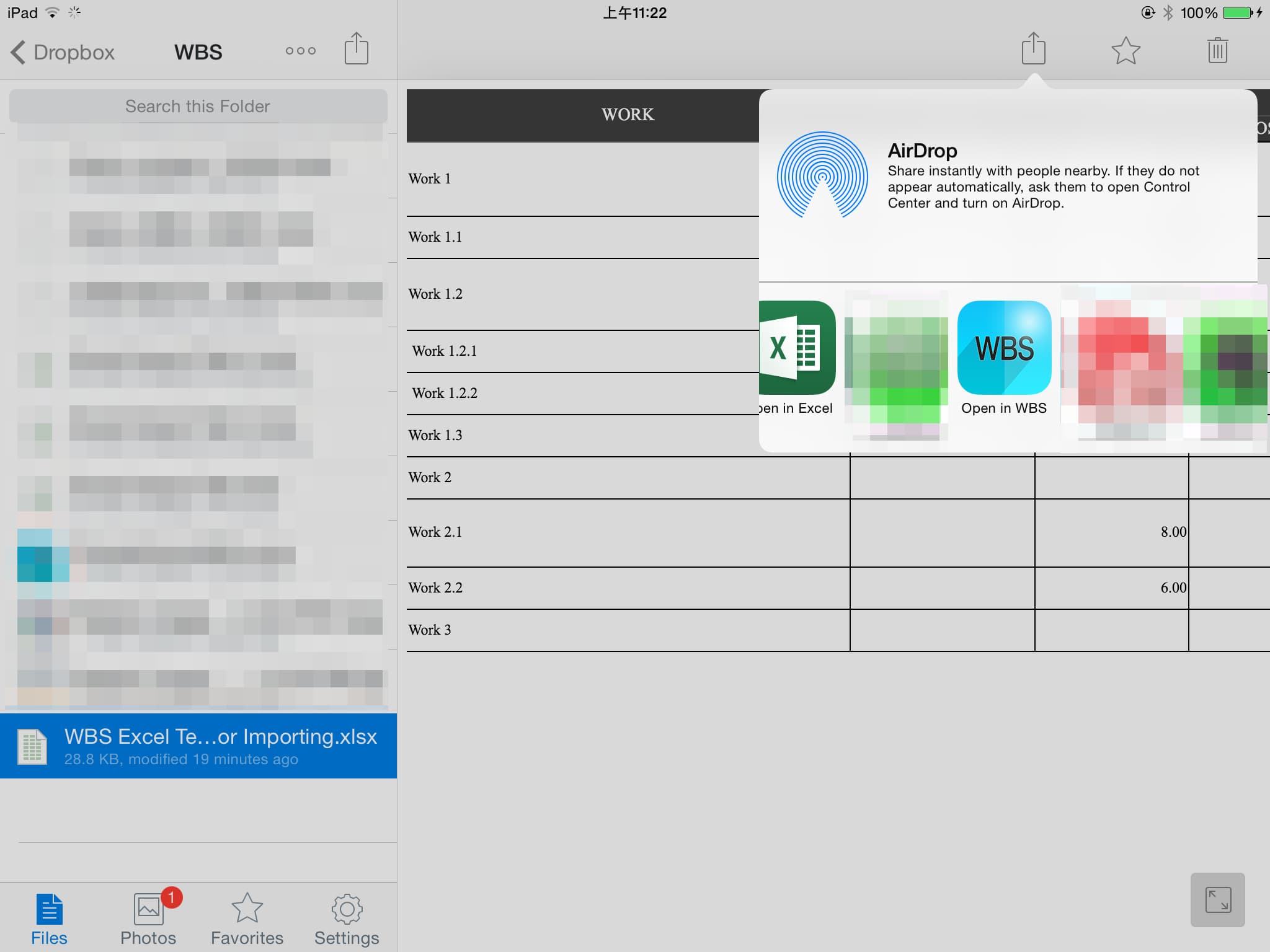
Open the Excel file in the WBS app, and a new WBS document will be created.
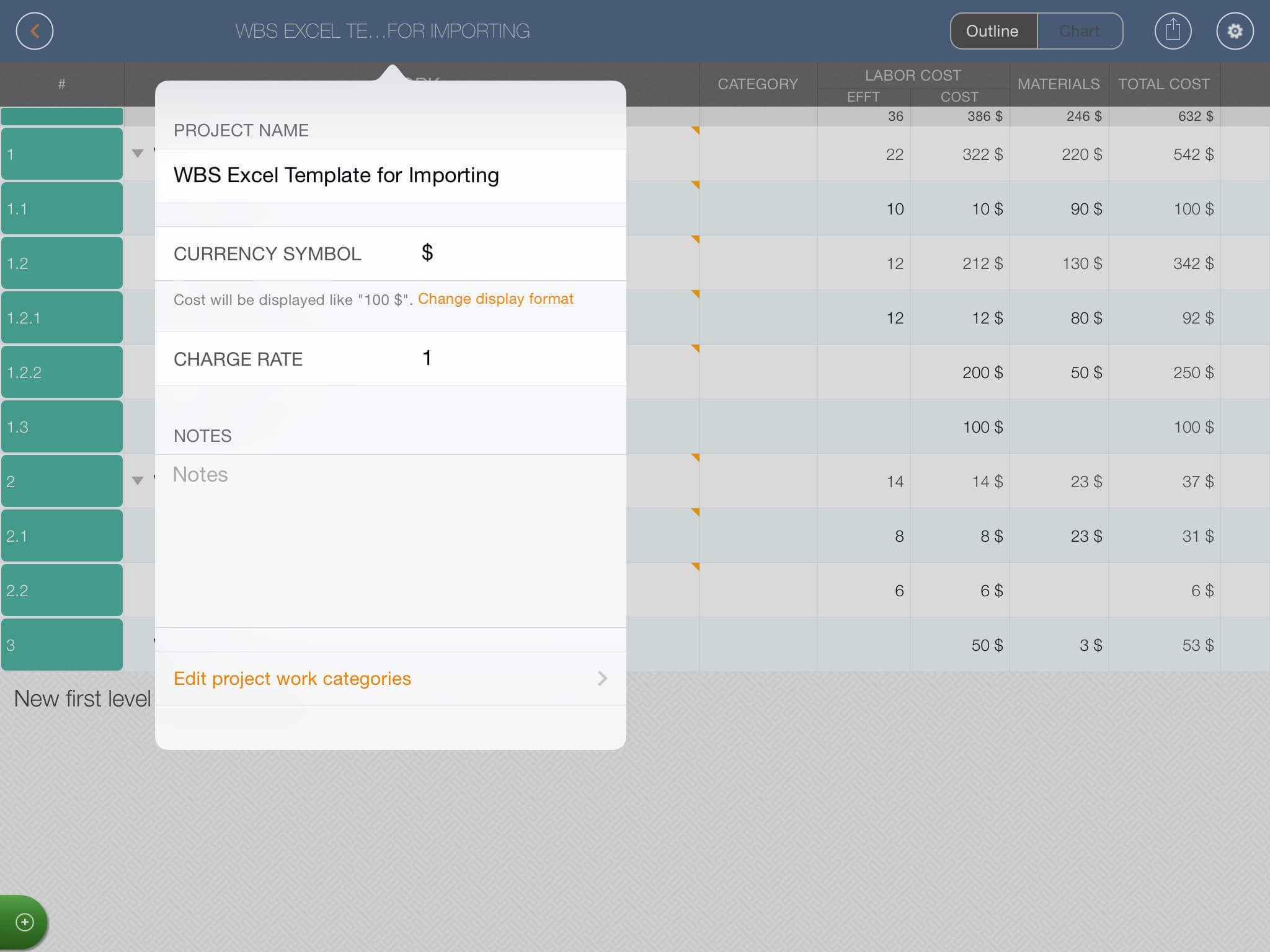
Edit WBS project properties.