Features
Features
Maintain Work Breakdown Structure (WBS) in outline and chart views to organize work packages, set target dates, draft estimates, and track costs with intuitive gestures. WBS supports export to PDF, Excel, and image files, sync across multiple devices, and integration with QuickPlan to create a new project schedule.
WBS is a hierarchical, incremental decomposition of a project into phases, deliverables, and work packages. It is a tree structure showing the subdivision of effort required to achieve an objective, such as a program, project, or contract.
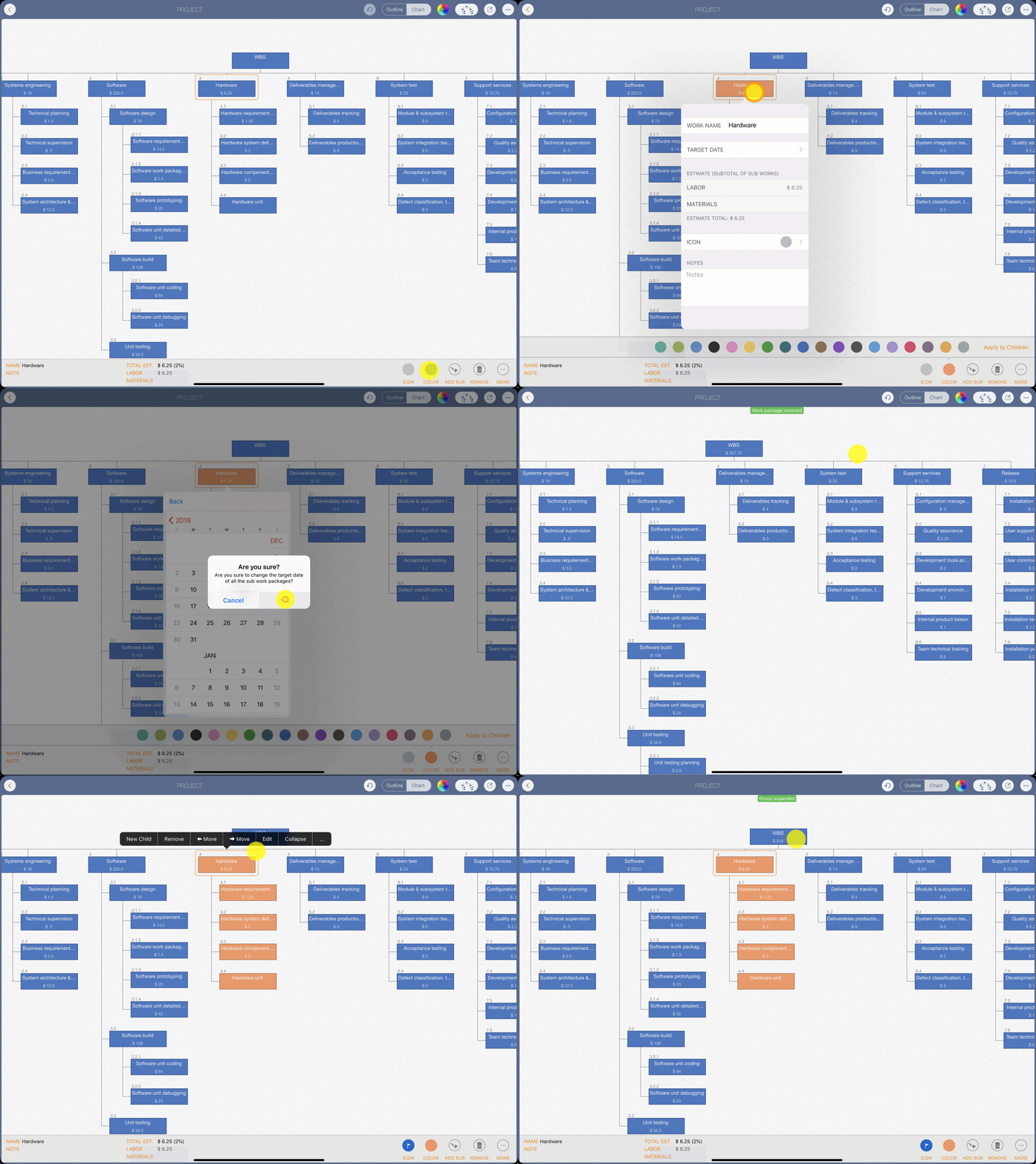
Maintain work elements in an outline view (a grid with frozen and scrollable columns) and a graphical tree-style chart view to break down work, set target dates, enter estimates, and track costs (including automatic roll-up across the element hierarchy), with both continuous and batch input support.
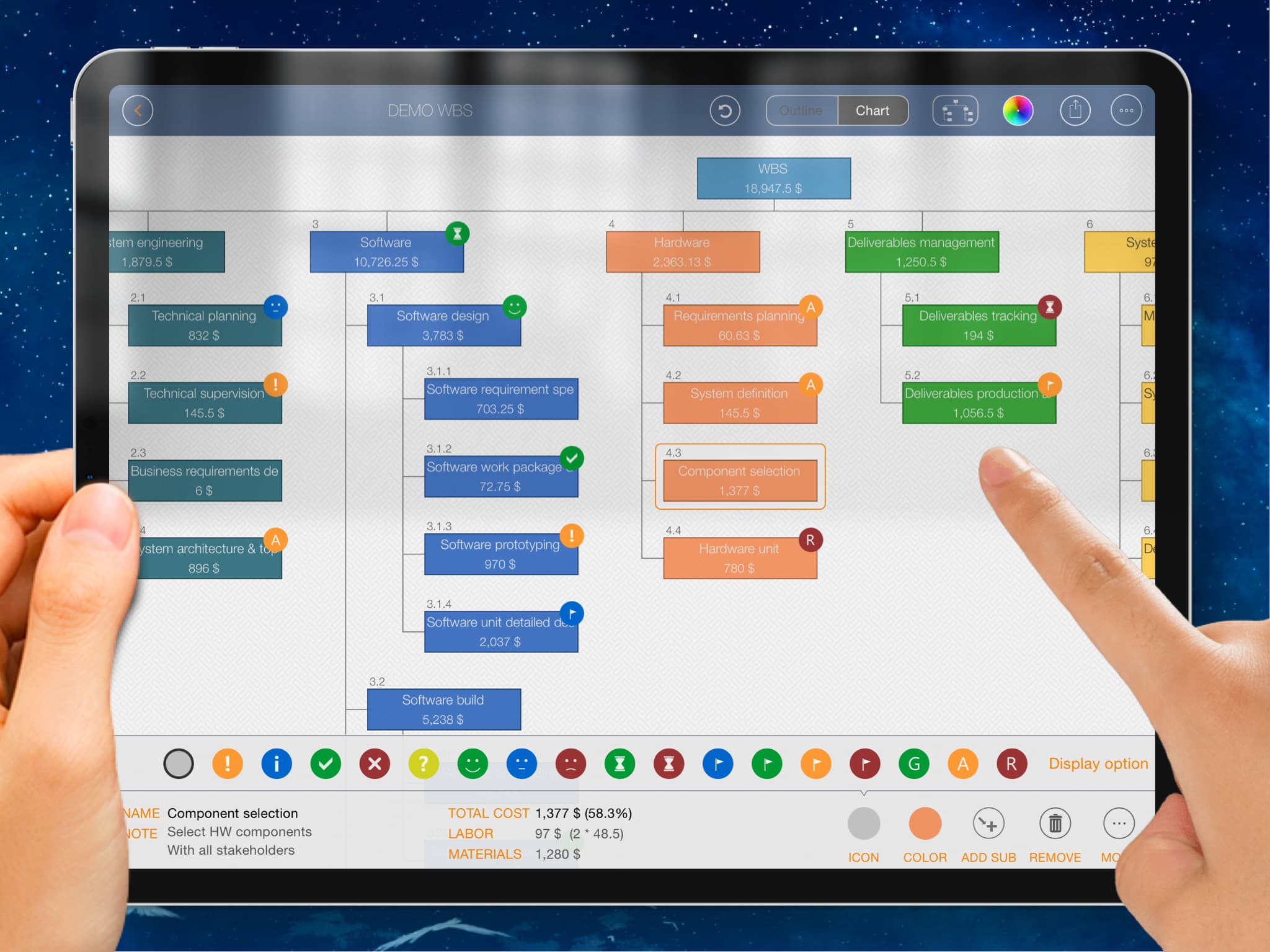
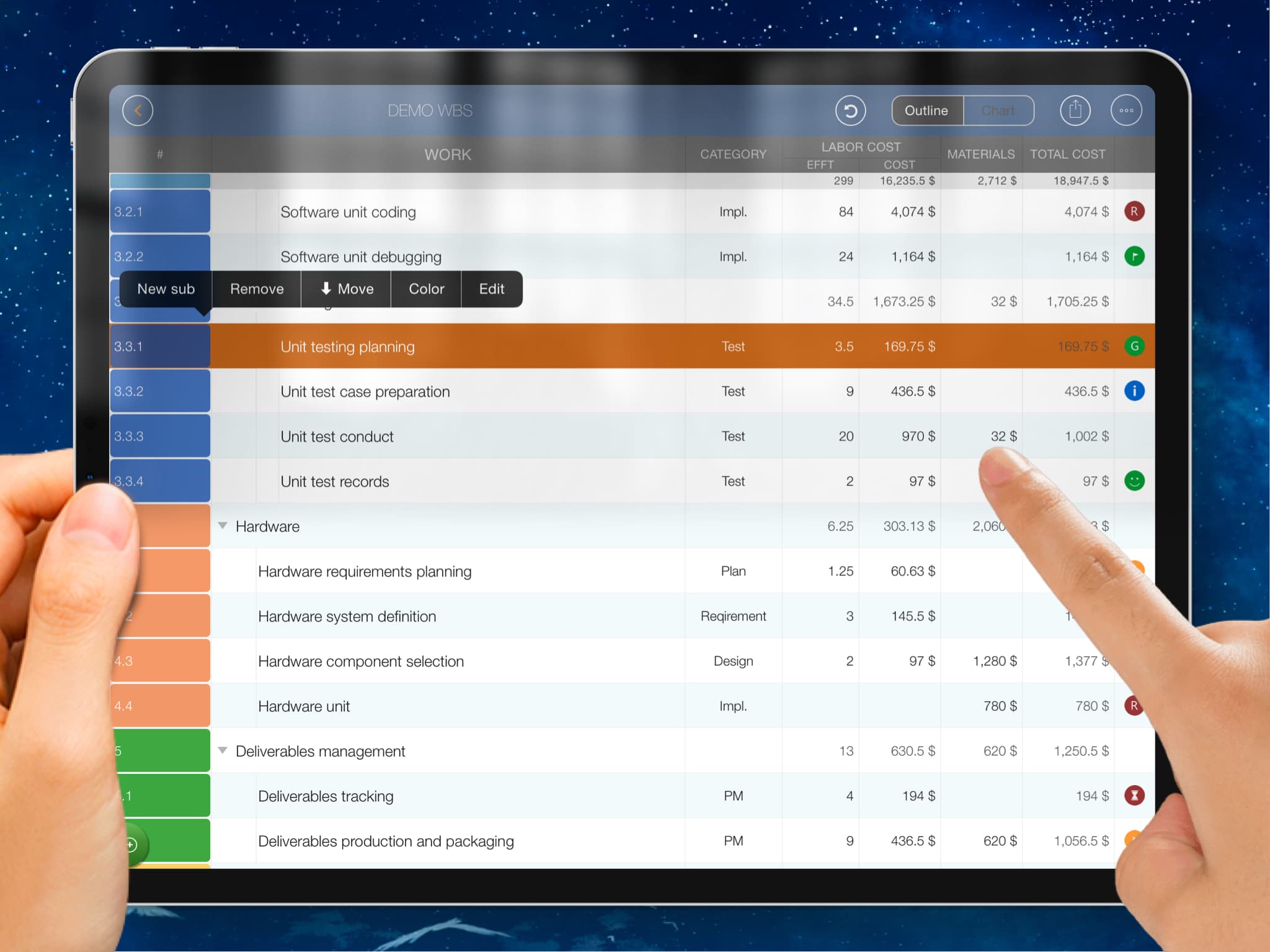
Natural gestures on a clean interface make WBS maintenance more straightforward, faster, and more efficient than ever.

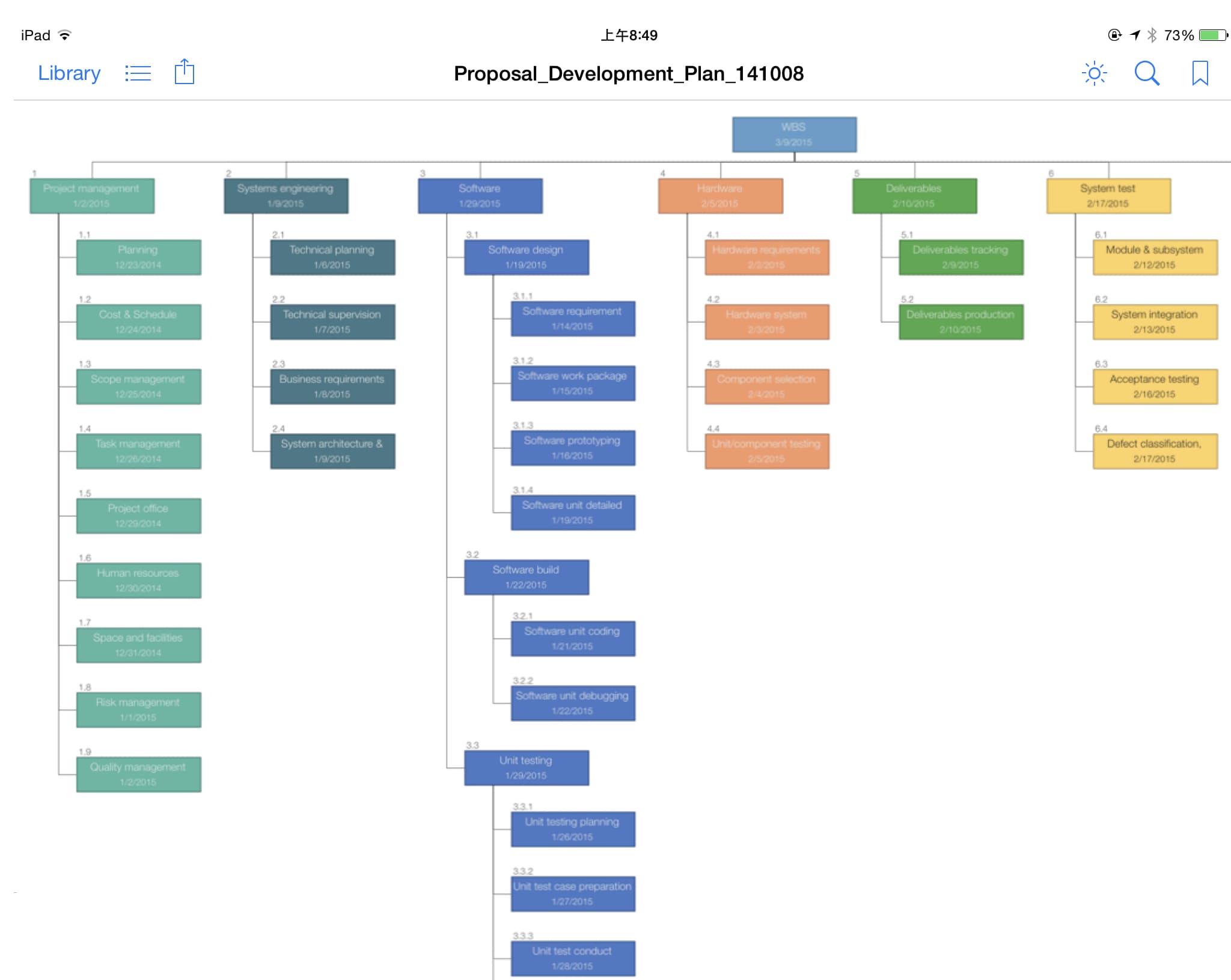
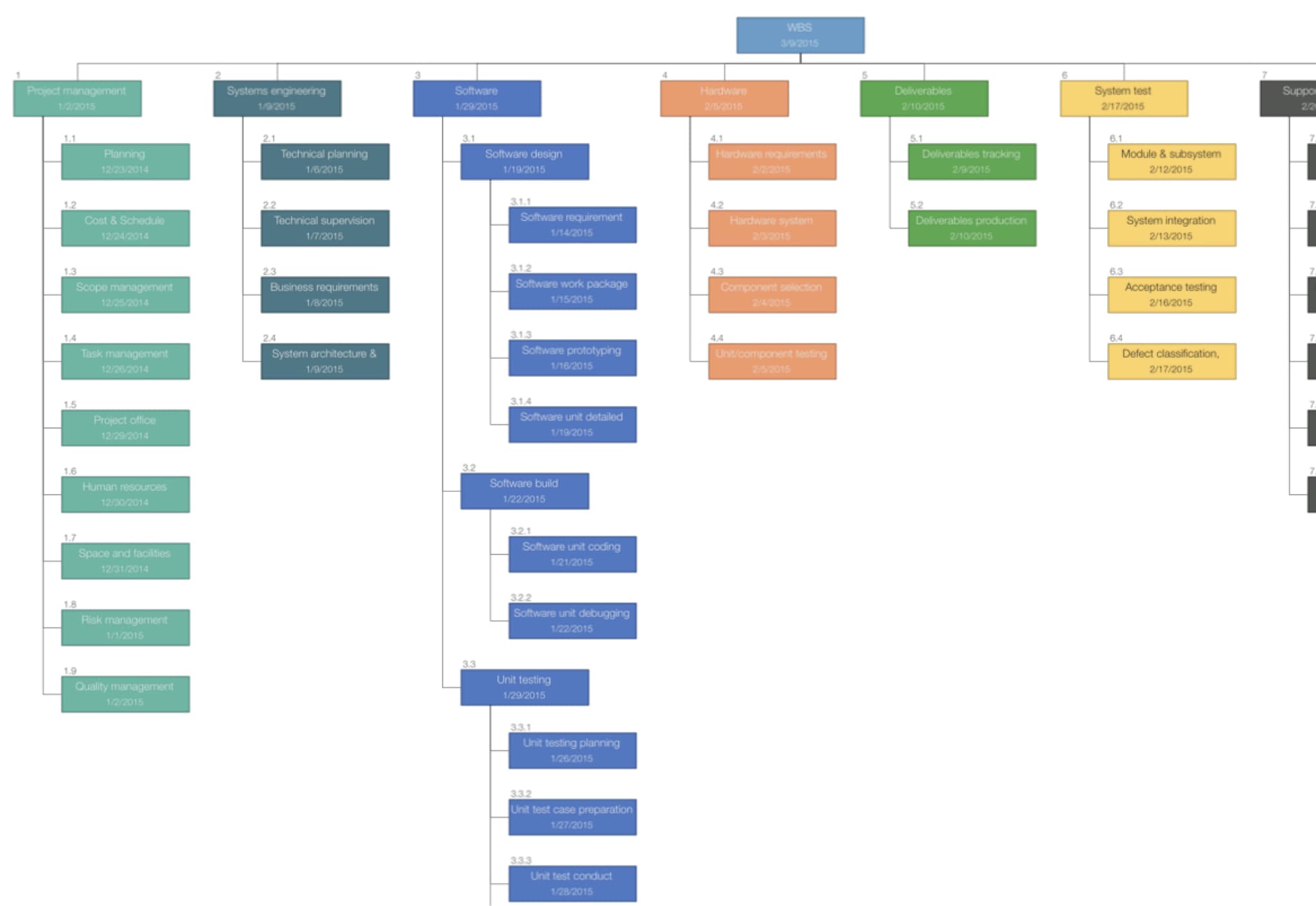
Export the full project or selected sections to image, PDF, and MS Excel files, with content customization options.
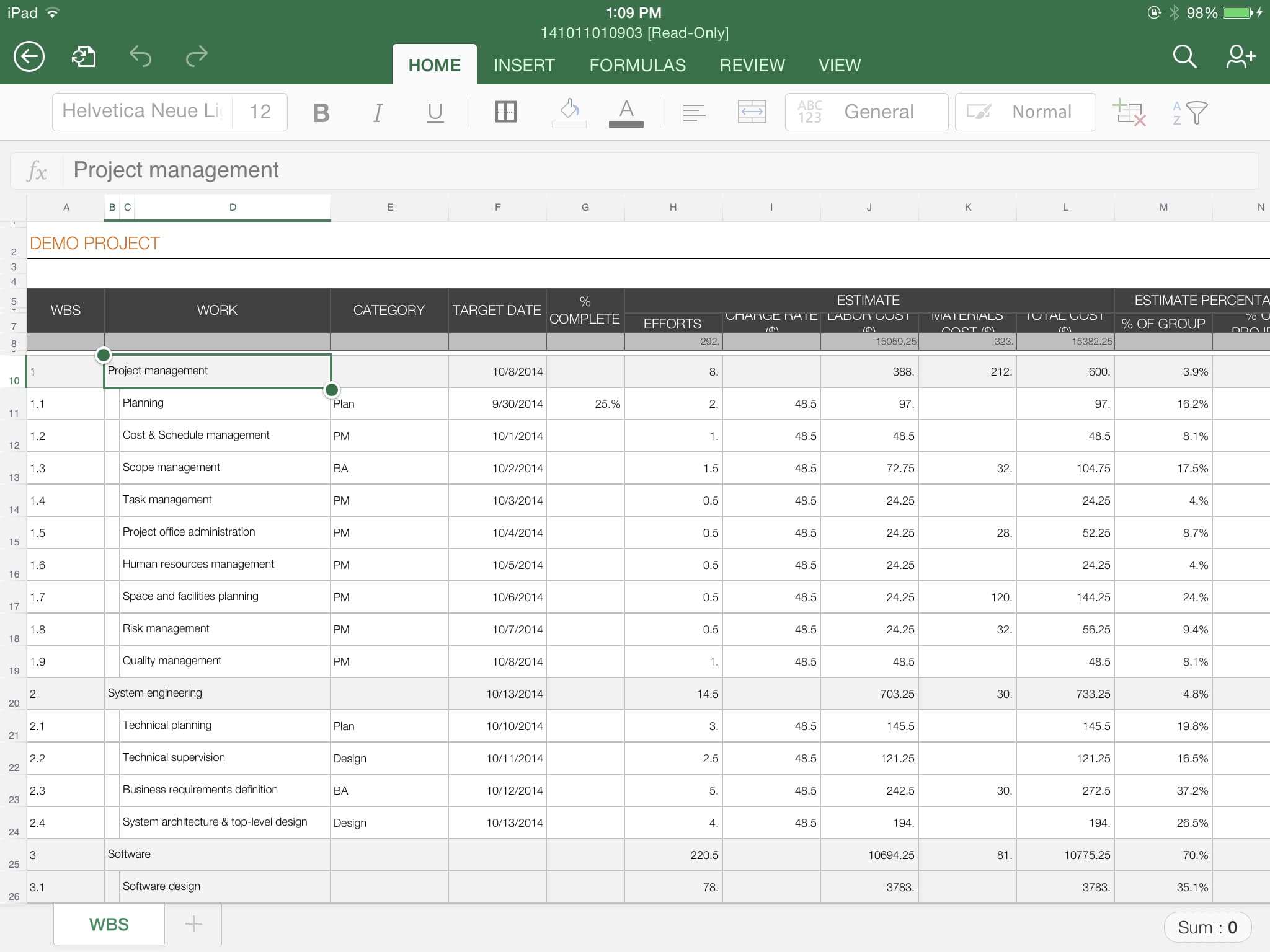
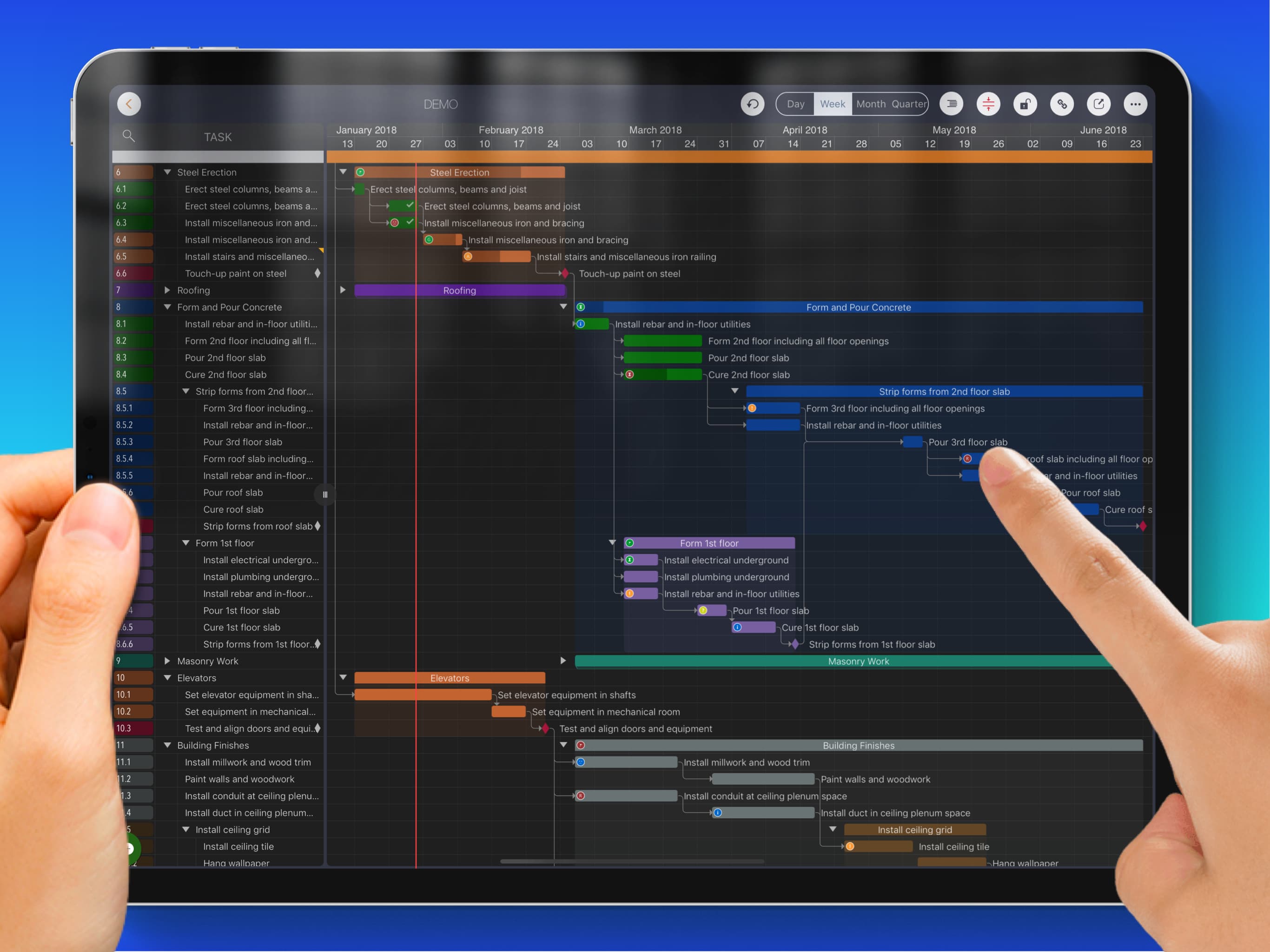
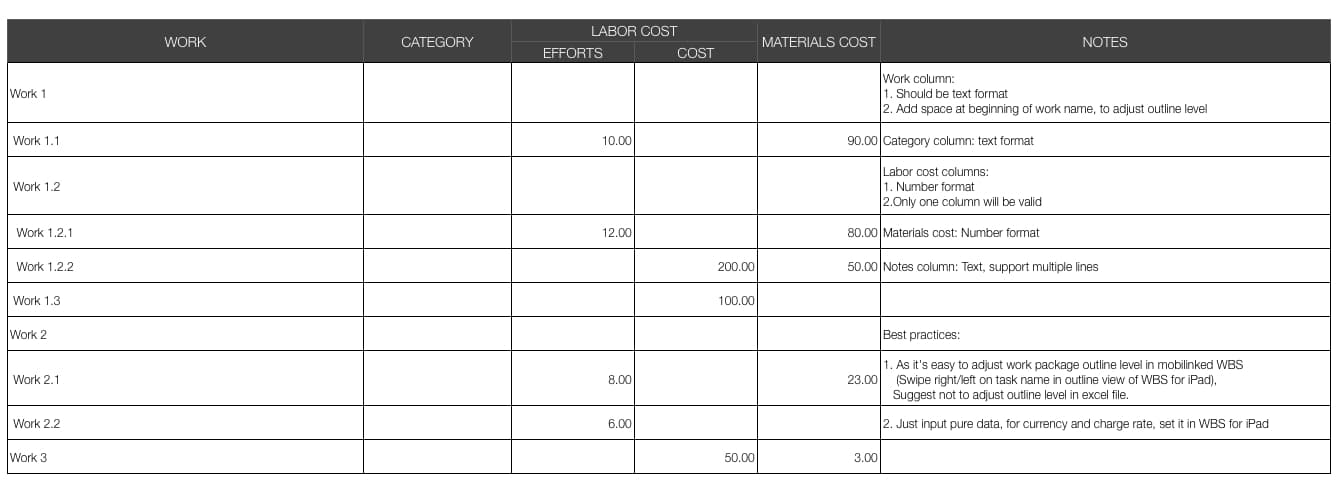
Open a WBS file in QuickPlan to create a new project schedule, and import work elements from an MS Excel file.